
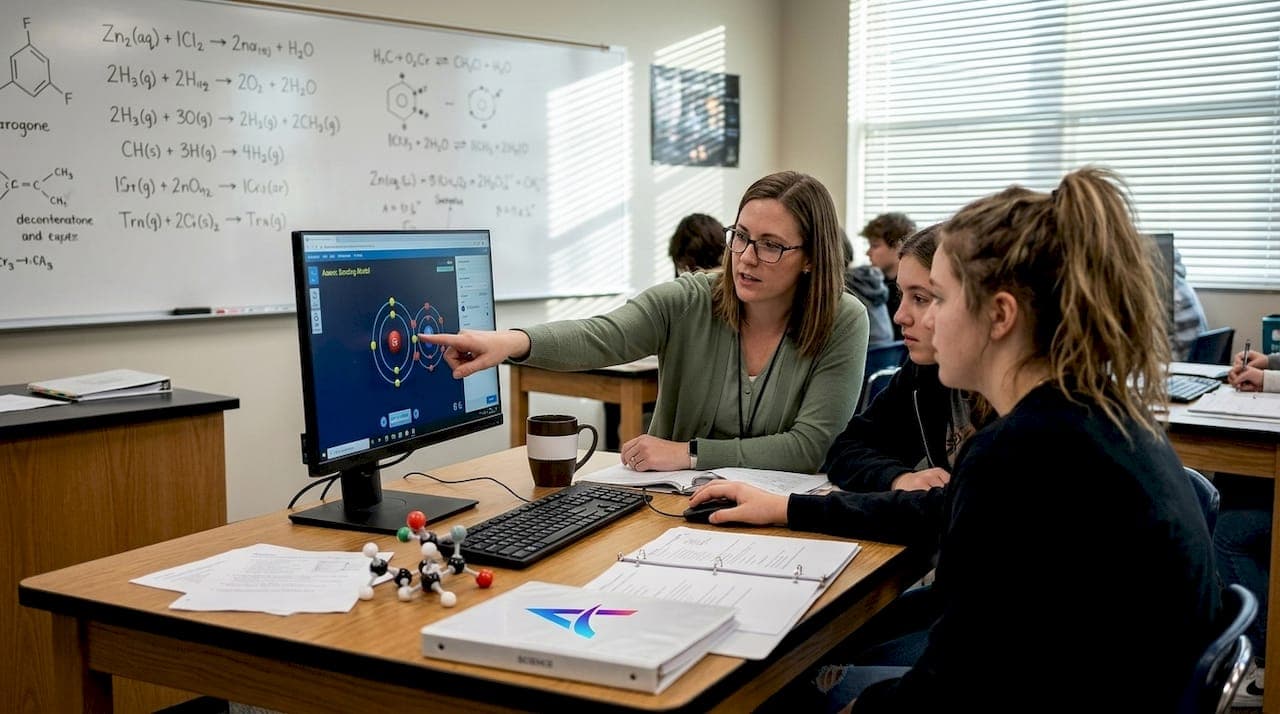
Choosing the right chemistry simulation can feel overwhelming when you're navigating dozens of platforms, each promising to revolutionize your classroom. You want tools that align with your curriculum, engage students authentically, and deliver measurable learning outcomes without adding complexity to your already packed schedule. This guide breaks down the essential simulation types, evaluation criteria, and practical selection strategies to help you confidently choose tools that transform abstract chemistry concepts into interactive learning experiences your students will actually remember.
Table of Contents
- Key Takeaways
- How to evaluate chemistry simulations for your classroom
- Types of chemistry simulations you can use
- Comparing features of popular chemistry simulations
- Choosing the right chemistry simulation for your teaching goals
- Explore interactive chemistry simulations with Atomency
- FAQ
Key Takeaways
| Point | Details |
|---|---|
| Curriculum alignment | Select tools that explicitly map to your standards and performance expectations to support curriculum objectives. |
| Hands on interactivity | The best simulations let students manipulate parameters, test hypotheses, and observe immediate results to mirror the scientific method. |
| Ease of use | Ensure the interface is intuitive, requires minimal setup, works on common devices, and provides clear visuals for all learners. |
| Test before use | Spend about 15 minutes exploring the interface and validating results to anticipate questions and technical issues. |
| Web based and offline | Prefer simulations that run in standard browsers and offer offline access for unreliable internet or homework. |
How to evaluate chemistry simulations for your classroom
Selecting effective chemistry simulations requires a systematic approach that goes beyond flashy graphics or marketing promises. Start by checking whether the simulation aligns with curriculum standards like NGSS, AP Chemistry, or IB requirements. Effective chemistry simulations align with curriculum standards and promote active learning, ensuring you're not wasting time on tools that don't support your teaching objectives. Look for explicit connections to specific performance expectations or learning standards in the platform's documentation.
Interactivity level determines whether students will passively watch animations or actively manipulate variables to test hypotheses. The best simulations let students change parameters, observe immediate results, and repeat experiments with different conditions. This hands-on approach mirrors the scientific method and keeps students engaged far longer than static demonstrations.
Ease of use matters enormously when you're managing 30 students across multiple class periods. Evaluate whether the interface is intuitive enough for students to navigate independently after a brief introduction. Consider these practical factors:
- Does the simulation require extensive setup time or complicated login procedures?
- Can students access it on the devices you have available, including Chromebooks and tablets?
- Is the visual presentation clear enough for students in the back row to see during whole-class instruction?
- Does the simulation model chemistry accurately, or does it oversimplify concepts in ways that could create misconceptions?
Pro Tip: Test any simulation yourself before introducing it to students. Spend 15 minutes exploring the interface, trying to break it with unusual inputs, and checking whether the results match your chemistry knowledge. This preview helps you anticipate student questions and identify potential technical issues.
Accessibility and platform compatibility can make or break implementation success. Web-based simulations that run in standard browsers eliminate the headaches of software installation and IT approval processes. Check whether the tool works offline, which matters for schools with unreliable internet or for students completing homework without home connectivity.
Types of chemistry simulations you can use
Molecular building simulations let students construct atoms and molecules by adding protons, neutrons, and electrons, then observe how these particles arrange themselves according to quantum mechanical principles. Interactive molecular builders help students visualize atomic and molecular structures dynamically, making abstract concepts like electron orbitals and bond angles tangible. Students can build everything from simple diatomic molecules to complex organic compounds, watching bonds form and break in real time.
Reaction simulations demonstrate chemical processes and kinetics by showing how reactants transform into products under various conditions. Students adjust temperature, pressure, and concentration to see how these variables affect reaction rates and equilibrium positions. These tools excel at illustrating collision theory, activation energy, and Le Chatelier's principle through visual representations that textbook diagrams can't match.
Virtual labs replicate hands-on experiments safely, letting students perform titrations, calorimetry measurements, or synthesis reactions without the risks and costs of physical chemicals. Students follow similar procedures to actual lab work, selecting equipment, measuring reagents, and recording data. The best virtual labs include realistic sources of experimental error, teaching students to evaluate data quality and repeat trials for accuracy.
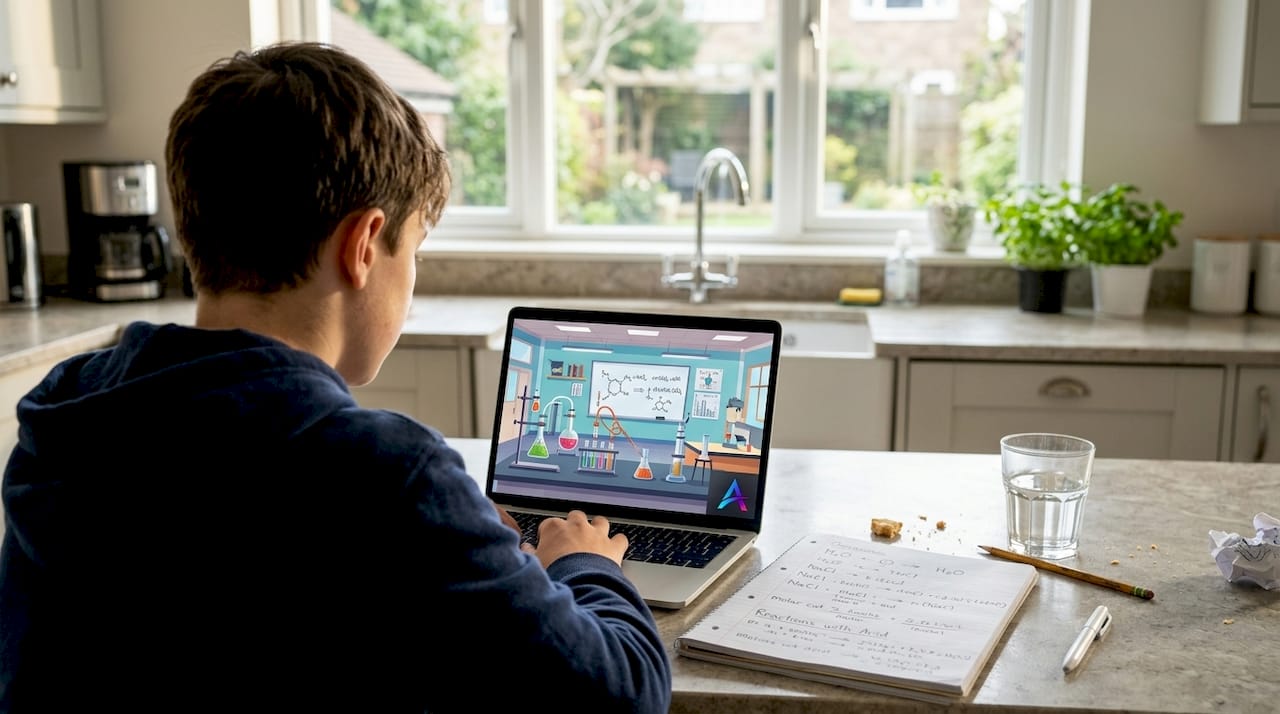
Equation balancing simulations reinforce stoichiometry concepts by providing immediate feedback as students adjust coefficients. These tools often include visual representations showing particle counts on each side of the equation, helping students understand the law of conservation of mass at the molecular level. Some platforms gamify the experience with progressively challenging equations and time-based scoring.
Spectroscopy and measurement simulations illustrate data collection techniques used in real chemistry research. Students can simulate mass spectrometry, infrared spectroscopy, or UV-visible absorption experiments, learning to interpret peaks and patterns that identify unknown compounds. These simulations prepare students for actual laboratory instrumentation they might encounter in advanced courses or research settings.
Comparing features of popular chemistry simulations
Simulation tools vary widely in interactivity, curriculum alignment, and technical requirements, making direct comparison essential before committing to any platform. User interface design ranges from cluttered dashboards with overwhelming options to clean, focused workspaces that guide students naturally through tasks. The best interfaces use consistent visual language, clear labeling, and logical grouping of controls that students can master quickly.
Platform support determines which devices can run the simulation effectively. Browser-based tools offer the widest compatibility, working on Windows PCs, Chromebooks, iPads, and Android tablets without special software. Desktop applications might offer more sophisticated features but create barriers for students using school-issued Chromebooks or personal mobile devices. Consider whether your students need to access simulations from home, which favors web-based solutions.
| Feature | Molecular Builders | Reaction Simulations | Virtual Labs | Equation Balancers |
|---|---|---|---|---|
| Primary use | Visualizing atomic structure and bonding | Demonstrating kinetics and equilibrium | Replicating hands-on experiments | Practicing stoichiometry |
| Interactivity level | High (build custom molecules) | Medium to high (adjust variables) | High (full procedure control) | Medium (coefficient adjustment) |
| Curriculum fit | Atomic theory, bonding, molecular geometry | Reaction rates, equilibrium, thermodynamics | General lab skills, specific experiments | Stoichiometry, conservation of mass |
| Setup complexity | Low (immediate use) | Low to medium (parameter selection) | Medium (equipment selection) | Low (immediate practice) |
| Scientific depth | Variable (from basic to quantum level) | High (first-principles calculations) | Medium (simplified procedures) | Medium (focuses on balancing only) |
Scientific detail and accuracy separate educational tools from entertainment. Premium simulations compute results from fundamental physics and chemistry principles rather than using predetermined animations or lookup tables. This authenticity means students can explore scenarios not explicitly programmed, discovering relationships through genuine experimentation rather than following scripted paths.
Customization options let you adapt simulations to different class levels and learning objectives. Look for tools that let you preset difficulty levels, hide advanced features for introductory courses, or create custom scenarios aligned with specific lessons. Some platforms let you save and share configurations, building a library of ready-to-use setups for different units.
Engagement and interactivity features include elements like:
- Real-time visual feedback showing immediate consequences of student actions
- Challenge modes or puzzles that motivate students to apply concepts creatively
- Data export capabilities that let students analyze results in spreadsheets or lab reports
- Shareable URLs that let students bookmark specific molecular configurations or experimental setups
The most effective simulations balance scientific rigor with intuitive design, letting students focus on chemistry concepts rather than fighting the interface. Evaluate whether the tool feels like a learning environment or a video game, both of which have their place depending on your instructional goals.
Choosing the right chemistry simulation for your teaching goals
Matching simulation type to lesson focus ensures you're using the right tool for each learning objective. When introducing atomic structure concepts, molecular builder simulations let students experiment with electron configurations and observe how valence electrons determine bonding behavior. For lessons on reaction kinetics, simulations that let students adjust temperature and concentration help them discover rate laws through guided inquiry rather than memorization.
Consider student tech access and familiarity when selecting platforms. If your students primarily use Chromebooks with intermittent internet, prioritize browser-based simulations with offline capabilities. Survey your class about their comfort level with technology, as some groups might need more scaffolding with complex interfaces while others can dive into advanced features immediately.
Teacher support and training resources dramatically affect implementation success. Look for platforms offering:
- Detailed lesson plans aligned with specific learning standards
- Video tutorials demonstrating effective classroom integration strategies
- Sample assessments or rubrics for evaluating student work with simulations
- Responsive technical support when you encounter issues
- Professional development opportunities to deepen your understanding of the tool
Budget constraints shape realistic options for most teachers. Free platforms like those offering interactive chemistry simulations eliminate financial barriers while still providing curriculum-aligned tools. Paid options might offer additional features, but evaluate whether those extras justify the cost compared to free alternatives that meet your core needs. District-level purchases sometimes provide better value than individual subscriptions, especially when coordinating across multiple chemistry teachers.
Pro Tip: Start with one simulation type that addresses your biggest teaching challenge, whether that's helping students visualize molecular geometry or understanding equilibrium shifts. Master that tool thoroughly before adding others, building your confidence and developing effective implementation strategies you can apply to additional simulations later.
Incorporate student feedback to improve engagement and identify which simulation features resonate most with your learners. After using a new simulation, ask students what helped them understand concepts better and what felt confusing or frustrating. Their insights often reveal interface issues or misconceptions you might miss from the teacher perspective. Use this feedback to refine how you introduce simulations, which features you emphasize, and whether the tool deserves a permanent place in your curriculum.
Teachers benefit most when simulations are chosen to complement specific learning objectives and student needs, creating a seamless bridge between abstract concepts and tangible understanding.
Remember that simulations work best as part of a varied instructional approach, not as replacements for all other teaching methods. Combine simulation-based exploration with hands-on labs, collaborative problem-solving, and direct instruction to address different learning styles and reinforce concepts through multiple modalities.
Explore interactive chemistry simulations with Atomency
Atomency offers a free interactive chemistry platform specifically designed for high school teachers who want to bring abstract concepts to life without budget constraints or technical barriers. The platform includes molecular builders, reaction kinetics simulations, virtual labs, and more, all computed from first principles to ensure scientific accuracy. Every tool runs directly in your browser, requiring no downloads, login credentials, or special software installations.
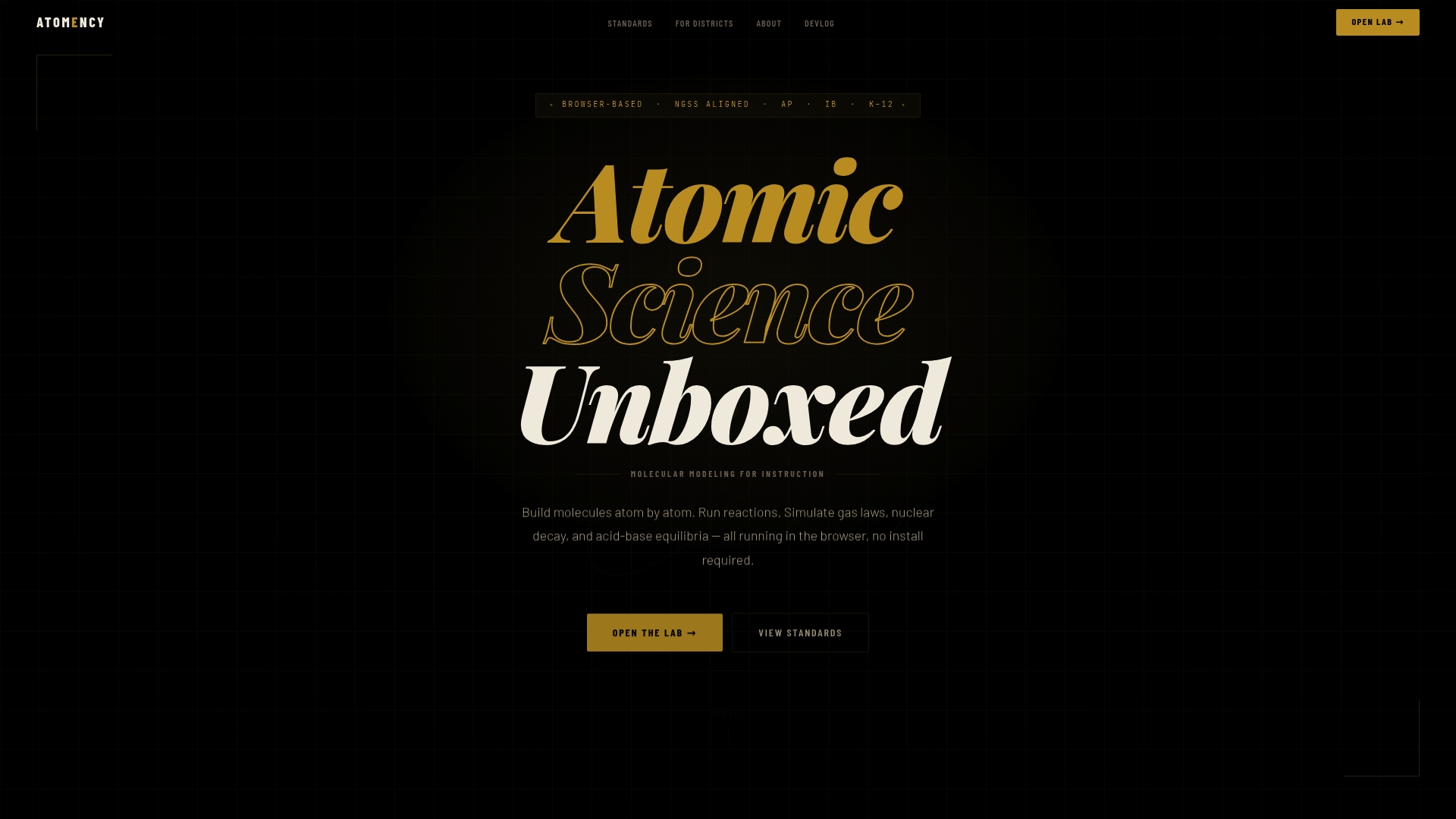
The platform supports NGSS-aligned solutions for schools looking to implement chemistry simulations at scale, with district-level resources that help coordinate implementation across multiple classrooms and grade levels. Whether you're exploring molecular builder & chemistry simulations for the first time or seeking comprehensive tools for your entire department, Atomency provides the curriculum alignment, accessibility, and scientific rigor that effective chemistry instruction demands.
FAQ
What are chemistry simulations?
Chemistry simulations are digital tools that model chemical concepts, reactions, and phenomena in interactive virtual environments. They allow students to manipulate variables, observe outcomes, and explore chemistry principles that would be difficult, dangerous, or impossible to demonstrate in traditional classroom settings. Simulations range from simple molecular visualizations to complex reaction kinetics calculators.
How can chemistry simulations improve student engagement?
Interactive simulations transform passive learning into active experimentation, letting students test hypotheses and observe immediate consequences of their actions. Visual representations help students grasp difficult topics like electron orbital shapes, equilibrium shifts, and reaction mechanisms that remain abstract in textbook descriptions. The hands-on nature encourages curiosity and reduces the intimidation factor that prevents some students from engaging with chemistry content.
Are chemistry simulations aligned with curriculum standards?
Many simulations, including Atomency, align with NGSS and AP Chemistry standards, explicitly mapping features to specific performance expectations and learning objectives. Quality platforms document these alignments clearly, helping you identify which simulations support particular curriculum requirements. Always verify NGSS and AP Chemistry alignment documentation before committing to any platform, ensuring the tool addresses the standards your students need to master.
What equipment do I need to run chemistry simulations?
Most modern chemistry simulations run on standard computers, Chromebooks, or tablets with current web browsers, requiring no specialized hardware beyond what schools typically provide. Web-based platforms eliminate software installation requirements, making them accessible on locked-down school devices. An internet connection enables access to cloud-based simulations, though some platforms offer offline capabilities for schools with connectivity challenges.
Can chemistry simulations replace physical labs?
Simulations enhance rather than replace physical laboratory experiences, serving as complements that address different learning objectives. They excel at safely demonstrating dangerous reactions, visualizing molecular-level processes, and letting students repeat experiments with varied parameters more efficiently than physical labs allow. However, physical labs develop manual dexterity, real-world measurement skills, and understanding of experimental uncertainty that simulations cannot fully replicate, making both approaches valuable in comprehensive chemistry education.